AI receipt scanning and expense reports for Mac & iPad — pay once, no subscription.
SyncXP is an expense tracker built for self-employed professionals, sole traders and small businesses in the UK. Photograph your receipts, let AI read the merchant, date, amount and VAT, and turn a shoebox of paper into an expense report your accountant will love — as PDF or CSV.
Features
AI Receipt Scanning
Snap a photo of any receipt and let AI extract the merchant, amount, date, and VAT automatically.Digital Receipt Storage
Every scanned receipt is stored digitally inside your expense report — no more shoeboxes of paper.Time Efficient
Smart sync multiple receipts in minutes using AI scanning technology.Smart Categories
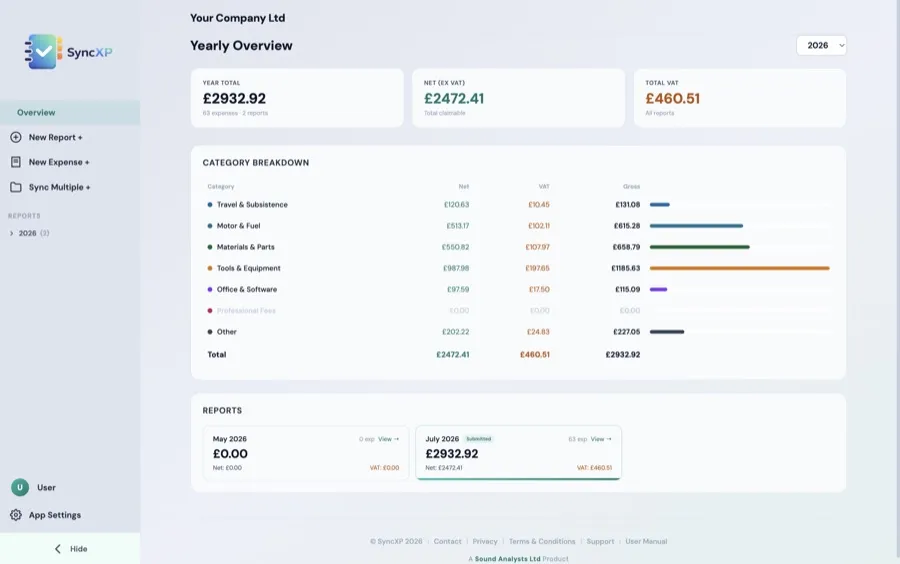
Automatically categorise expenses. Customisable for your needs.Generate Reports
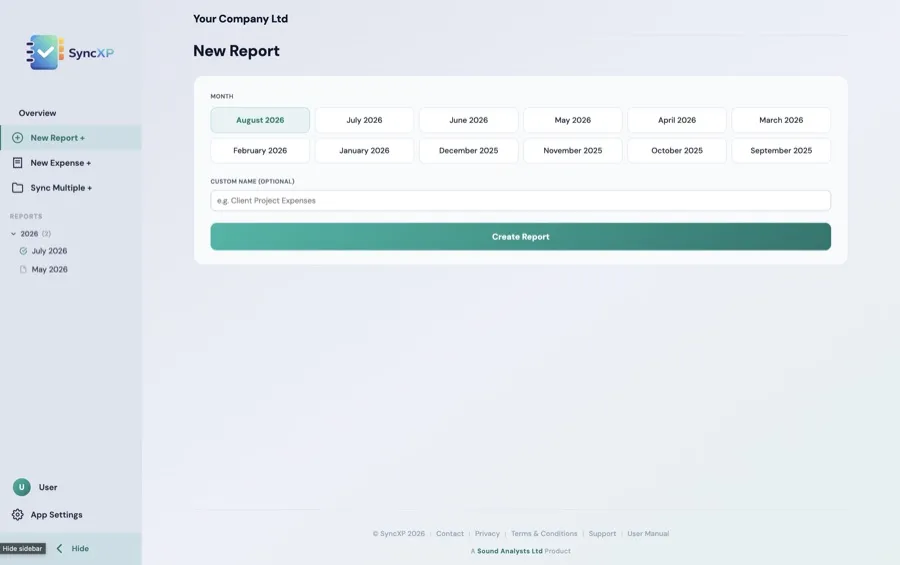
Create single and annual reports.Secure & Private
End-to-end encryption. Your financial data stays completely private.Multi-Currency
Supports 10 major currencies with localised tax labels. GBP, USD, EUR, and more.Export Options
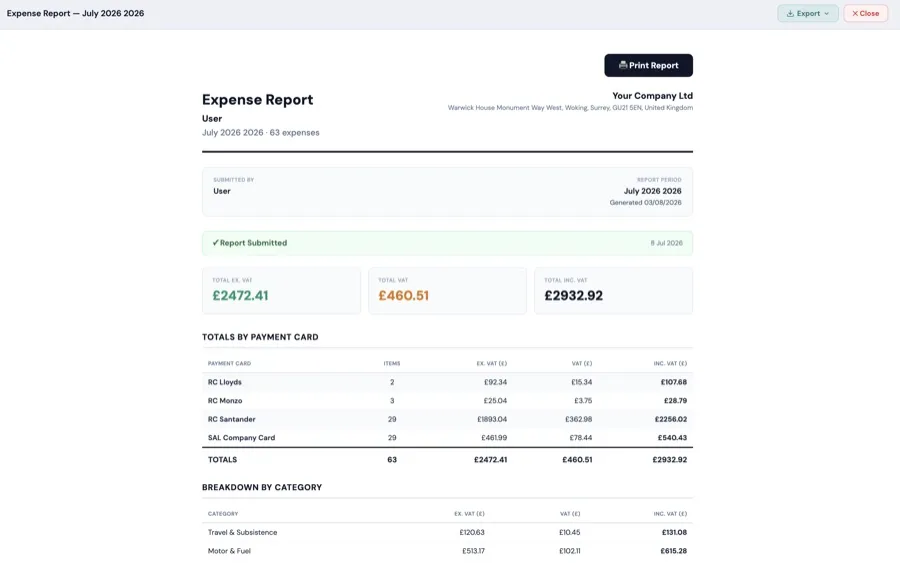
Export reports as PDF, CSV, or download all receipts as a ZIP file.Simple, Transparent Pricing
No monthly fees. No hidden costs. Pay once.
- Single-user licence
- No monthly fees
- 1,200 AI receipt scans
- Generate reports in minutes
- No use-by date on AI scan tokens
- Purchase 1,200 additional AI receipt scan tokens
- No use-by date on AI scan tokens
- Buy as many as you need
Not sure yet? Try the free demo → 10 AI scans, no card required.
SyncXP Mac
The heart of SyncXP — AI receipt scanning, expense reports and exports on your Mac.
Sync XP iPad
The companion to the SyncXP desktop app — one licence covers one Mac and one iPad.
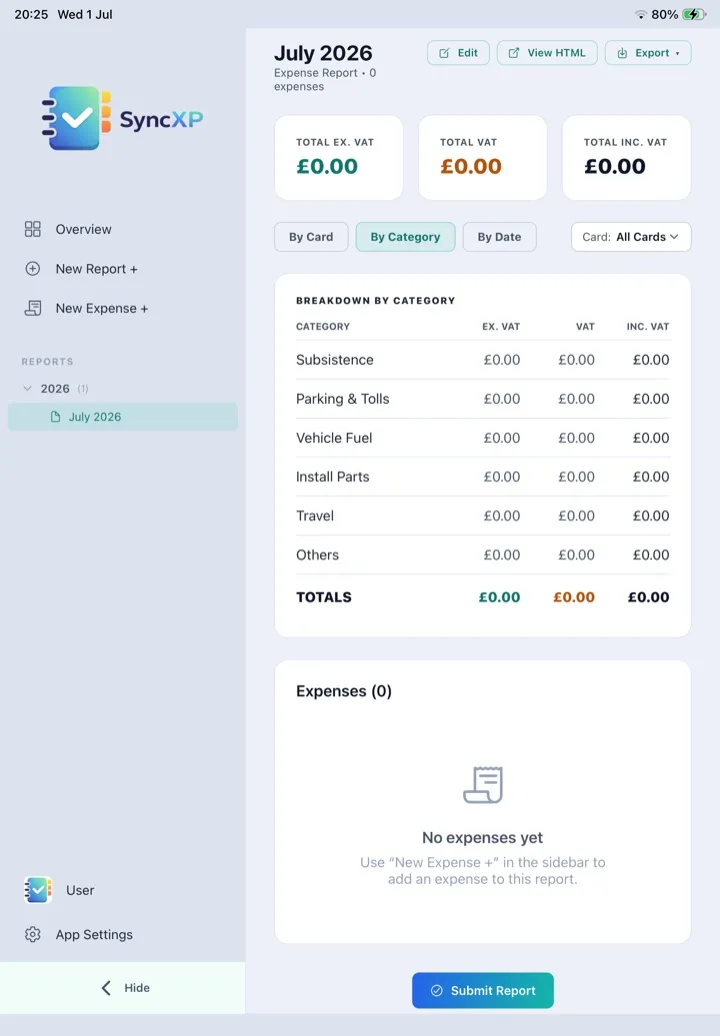
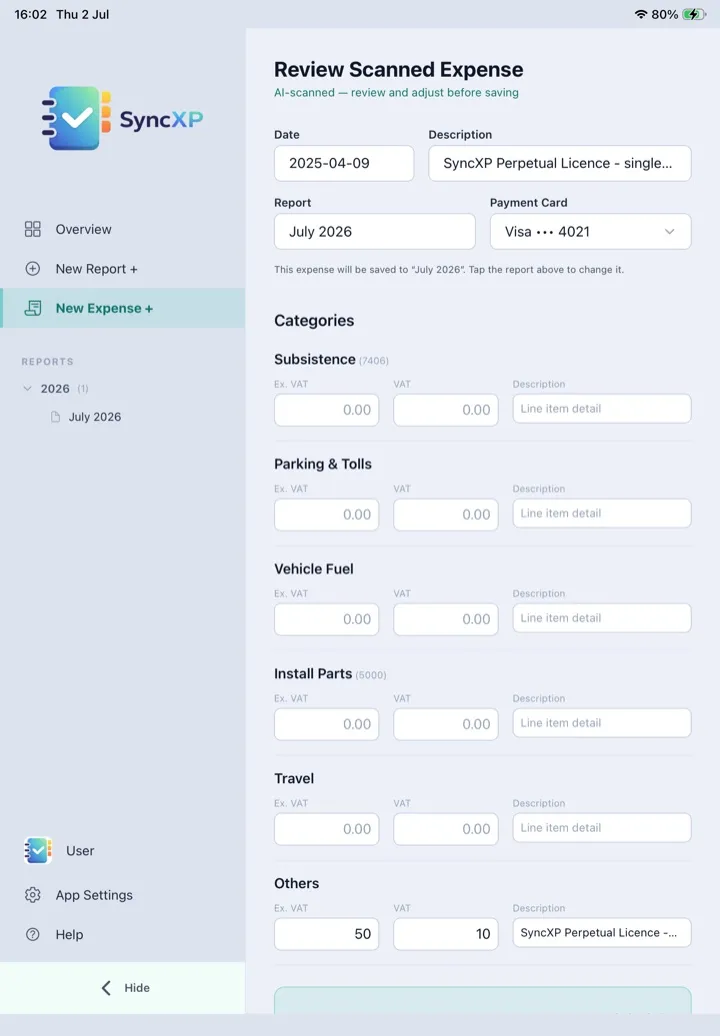
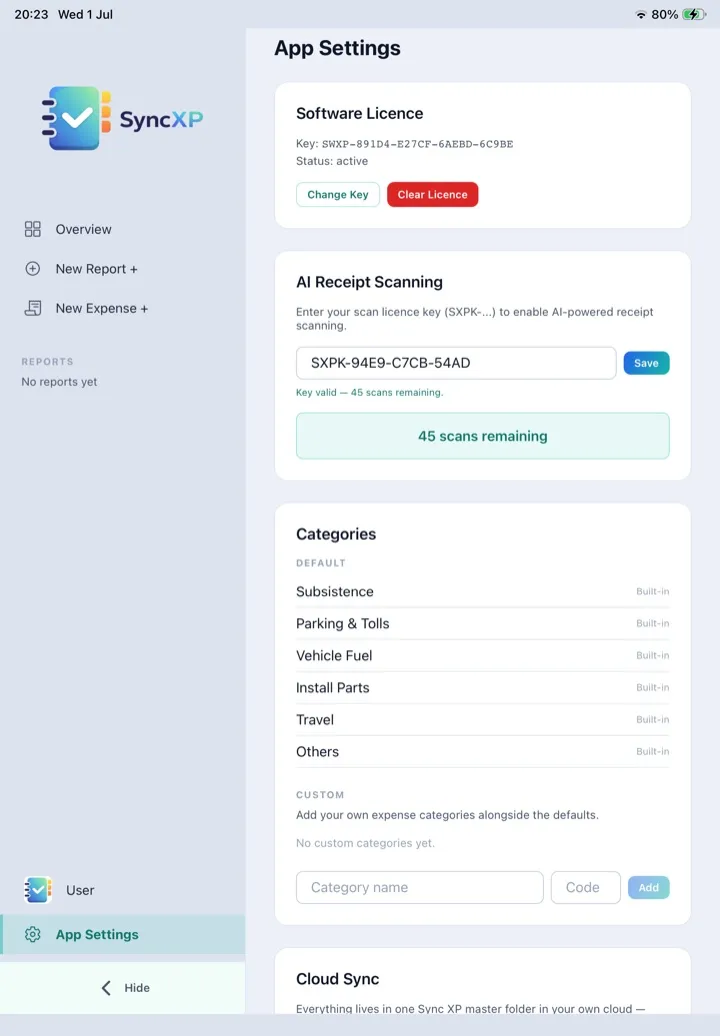
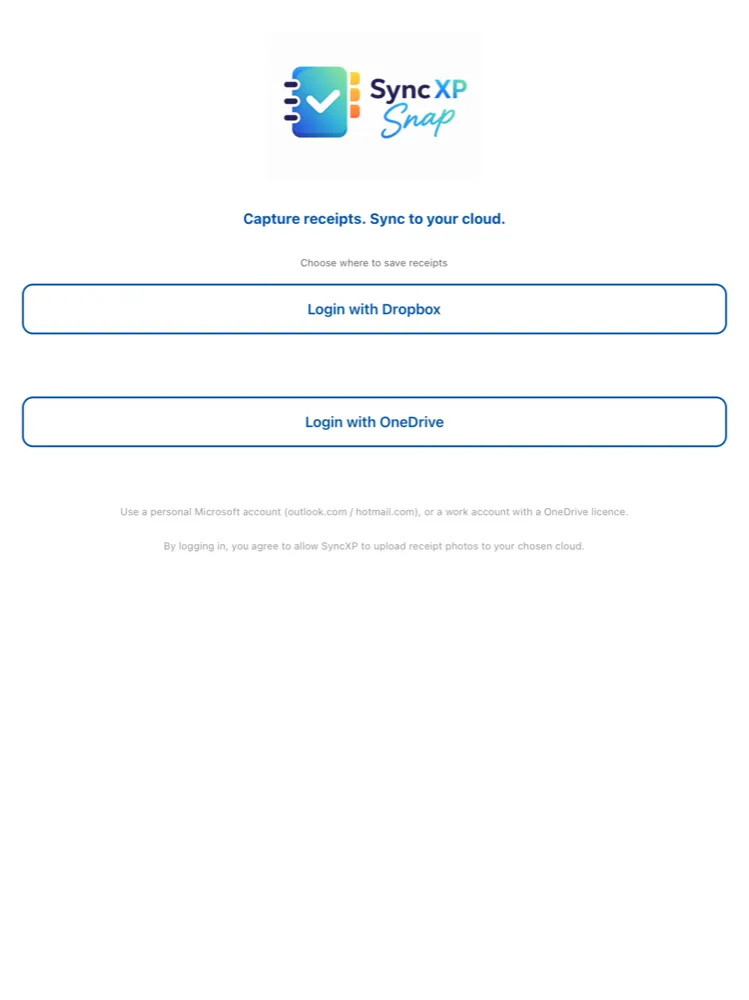
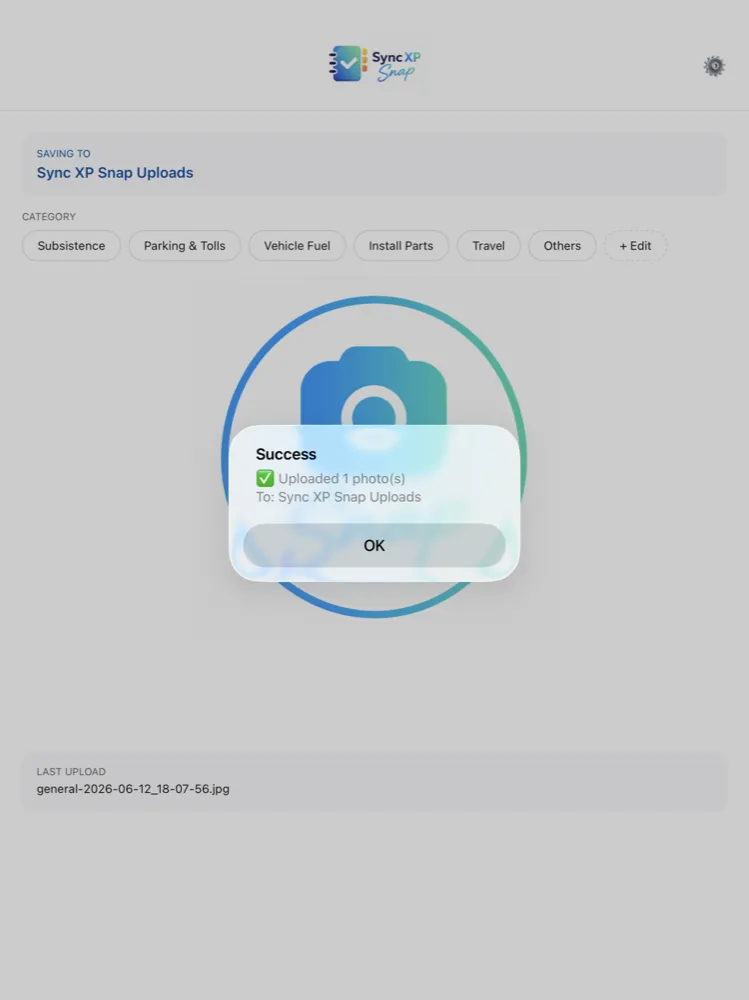
Snap a receipt, tag and send to your cloud on the go. The companion app for iPhone & Android.

Try SyncXP free
Get a demo key by email and take SyncXP for a spin — 10 free AI scans, full app, no card required.
Get your free demo key →Getting started
Up and running in three steps.
1. Download & activate
Install SyncXP on your Mac and enter the licence key from your order email.2. Scan your receipts
Drop in photos or import from your cloud — AI reads the merchant, amounts, date and VAT.3. Build your report
Expenses organise themselves into monthly reports, ready to export as PDF or CSV.Support
Need help? We're here for you.
General Support
Get in touch with our team for technical help and general enquiries. support@syncxp.co.ukBilling & Payments
Questions about invoices, VAT receipts, or your order? Contact our billing team. payments@syncxp.co.ukLicence Key Support
Lost or missing your licence key? Contact us and we'll get you sorted. keys@syncxp.co.ukDocumentation
Guides, tutorials, and FAQs to get you started. View DocsFAQ
Quick answers to common questions. Read FAQDownload SyncXP
macOS 14 (Sonoma) and later — v1.4.25
Not sure which to choose? Apple Silicon is for Macs from late 2020 onwards (M1/M2/M3/M4).