Snap a receipt, tag and send to your cloud on the go.
The companion app for iPhone & Android.
A closer look
Four taps from receipt to cloud.

How it works
1. Take photos
Tap the camera button to open your device camera and capture any receipt.2. Edit & tag
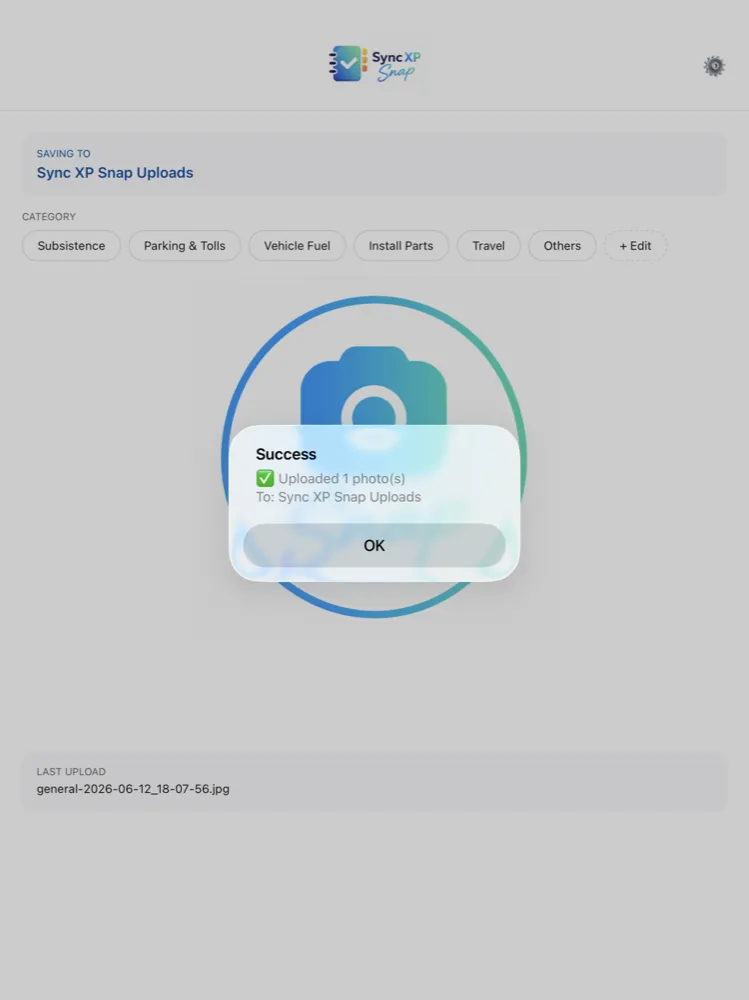
Rotate, crop, or enhance your photo and pick a category to keep things organised.3. Upload
Tap “Save & Continue” to upload the receipt straight to your cloud folder.4. Access in SyncXP
Files sync to your cloud of choice ready to upload to the Sync XP desktop or iPad app.Why you'll like it
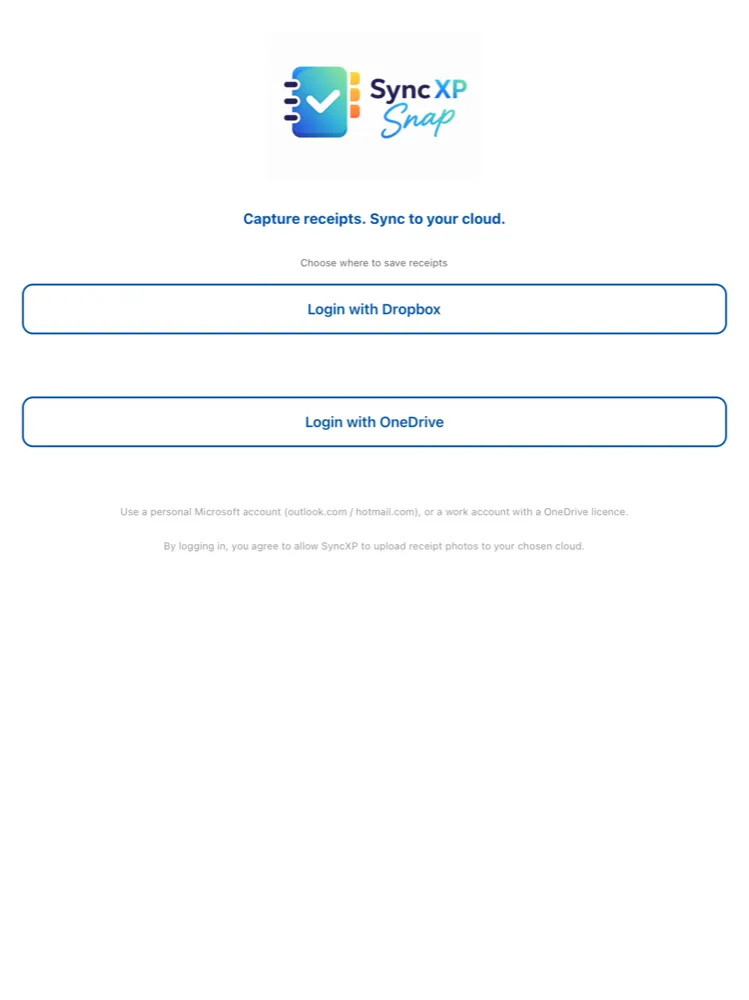
Your cloud, your data
Receipts go directly to your own Dropbox or OneDrive — never to our servers.Smart categories
Tag each receipt — Subsistence, Travel, Vehicle Fuel and more — fully customisable.Edit before upload
Straighten and crop on-device so every receipt is clean and readable.Privacy-first
No account to create with us. Sign in to your cloud and you're ready to capture.Get the most out of your receipts
SyncXP Snap pairs with the SyncXP desktop app, which uses AI to read each receipt and build your expense reports in minutes.
Explore the desktop app →